
RealStream
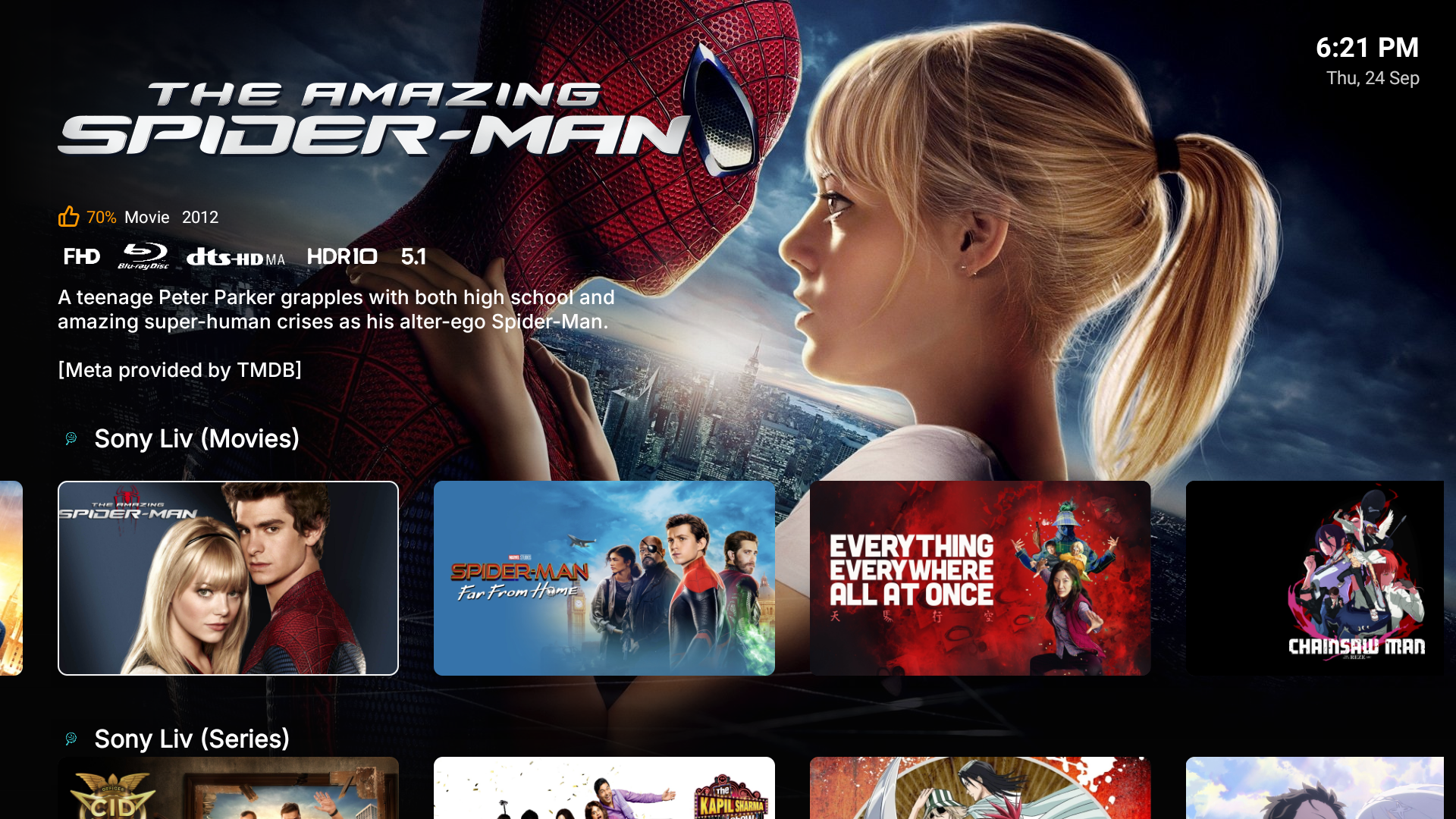
-
Sign Up for Subscriptions
Section titled “Sign Up for Subscriptions”Go to TorBox.app and sign up for the Essential plan ($33/year).
-
Configure AIOStreams
Section titled “Configure AIOStreams”- Visit QuackStart.
- Select Manifest URL and enter a password.
- Select TorBox from the Debrid Services section.
- Enter your TorBox API key. Get your TorBox API key here.
If you have Debridio, select the Optional Scrapers dropdown and enter your API key.
- Click Generate Manifest and save the manifest URL for later.
-
Configure AIOMetadata
Section titled “Configure AIOMetadata”- Visit QuackMeta.
- Select Manifest URL and enter a password.
- Choose your Poster Style.
- Click Generate Manifest and save the manifest URL for later.
-
Download & Configure RealStream
Section titled “Download & Configure RealStream”- On your Android TV, open the Play Store and install Downloader by AFTVnews.
- Open Downloader, navigate to https://rstream.app/, and click Download RealStream.
- Install and open RealStream:
- Enter your TMDB API Key when prompted.
- Press
Backto open the sidebar, select Settings, select Addons and enter the AIOStreams and AIOMetadata links you saved earlier.