iOS
-
Buy an iOS Certificate
Section titled “Buy an iOS Certificate”Go to ArcticSign and buy the Prime plan.
They’ll email you instructions to join the Discord with your Membership ID.
Complete the rest of this guide from your iPhone.
-
Make a Ticket
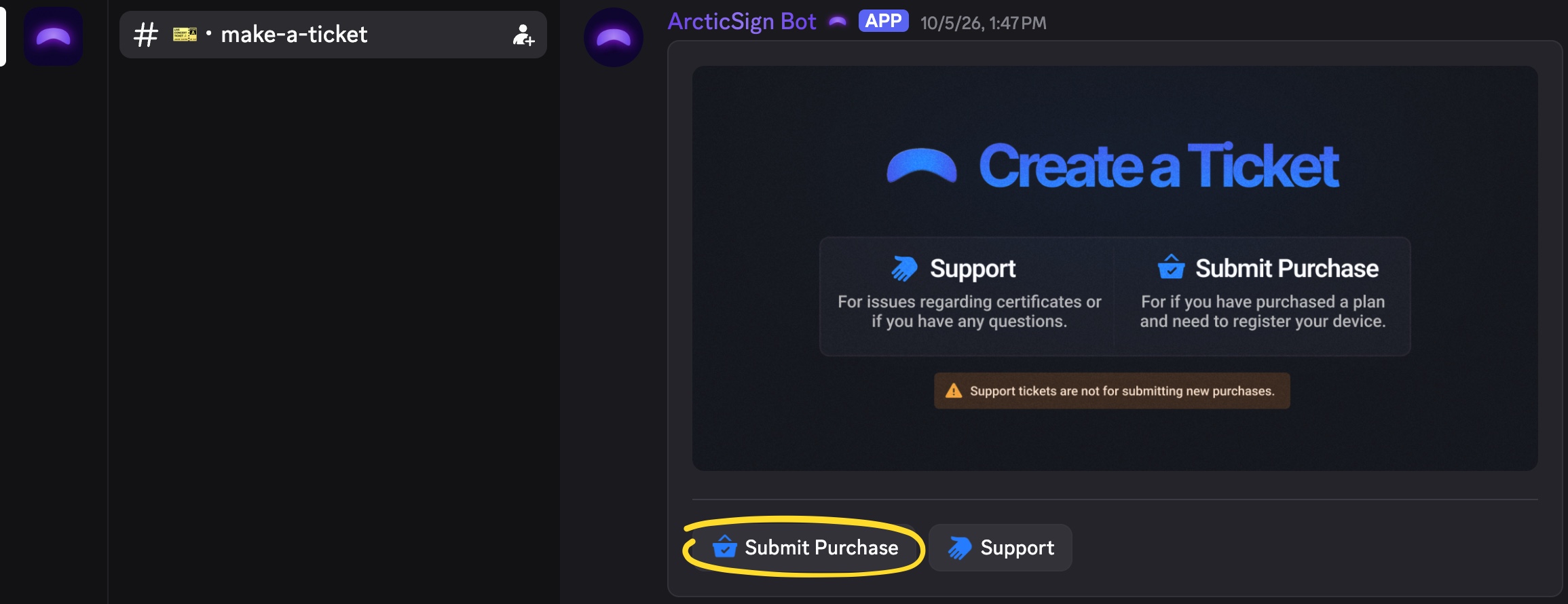
Section titled “Make a Ticket”In the ArcticSign Discord, create a Submit Purchase ticket. You’ll be moved to a new chat. Follow the instructions.
-
Install Feather
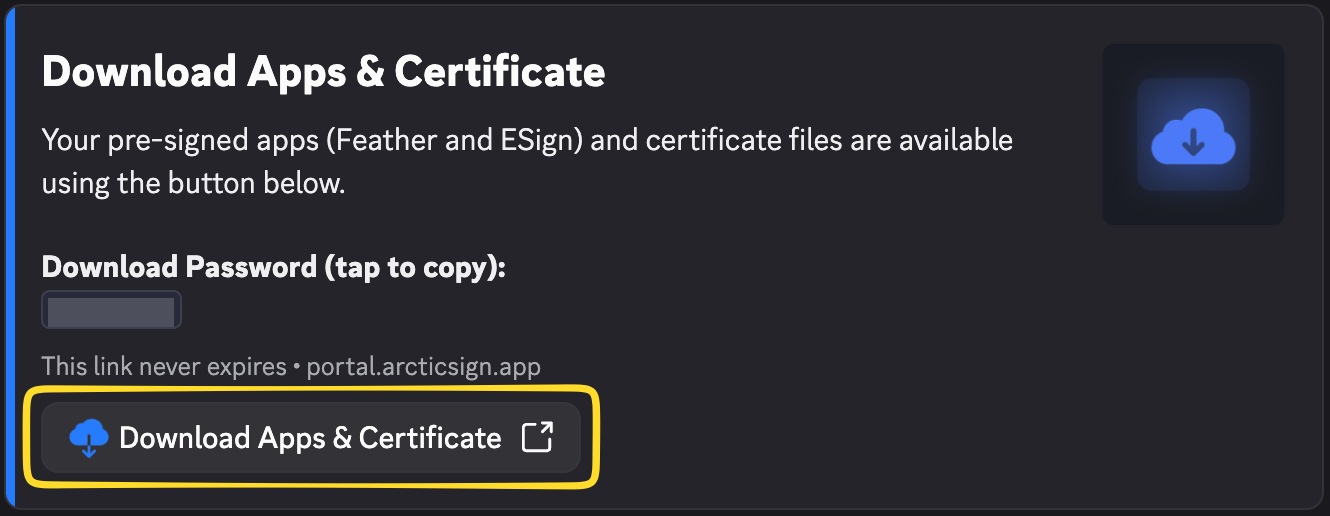
Section titled “Install Feather”They’ll send you a link to install Feather. Install it.
-
Enable Developer Mode
Section titled “Enable Developer Mode”- Open Feather for the first time. You’ll get a message about Developer Mode.
- Open the Settings app on your iPhone -> Privacy & Security -> Developer Mode and turn it on.
You’ll need to restart your phone for the change to take effect.
-
Configure Feather App
Section titled “Configure Feather App”- In Feather, go to Settings -> Installation -> Server Type and select Semi Local.
- In Feather, go to Settings -> Installation and turn on Only Use Localhost Address.
-
Add Sources
Section titled “Add Sources”In Feather, go to the Sources tab and tap the + button in the top right.
Add these with the Import button:
-
Get Your Apps
Section titled “Get Your Apps”Pick and choose the apps you want:
- YouTube: In TubeVault, search YTKACE and Get the latest.
- YT Music: In TubeVault, search YTMusicUltimate+ and Get the No YouMusicPiP version.
- Reddit: In Alan’s Gigantic Repo, search Reddit and Get the latest from IPAVault.
- Discord: In Alan’s Gigantic Repo, search Discord and Get the latest from RainTweak.
- Nuvio: In the Nuvio repo, Get the latest.
-
Sign & Install
Section titled “Sign & Install”First uninstall the normal version of the app before installing the patched version.
- In Feather, go to the Library tab and Sign each app.
- Click each signed app (the day counter) to install it.